It knows which take you meant.
Read from your screen, look up, say it again naturally. It can recognize the usable take to keep.
I needed an editor that understands your retakes, where you're looking, how a cut should connect and the style you actually want.
I built it for myself on top of Claude. Now I’m packaging the system so other creators, founders and brands can set up their own.
Most AI editors automate the obvious parts. I wanted one that could make the decisions I was still making manually.
Read from your screen, look up, say it again naturally. It can recognize the usable take to keep.
Not just a raw transcription. It uses the context to correct it, so the captions actually say what you meant without you editing it by hand later.
Whooshes, clicks and other effects are placed autatically to support the edit.
It considers what comes before and after a cut, so the result doesn't feel like a sentence was attacked with scissors.
Avoids generic AI look and feel by default, but you can also tailor it for your style.
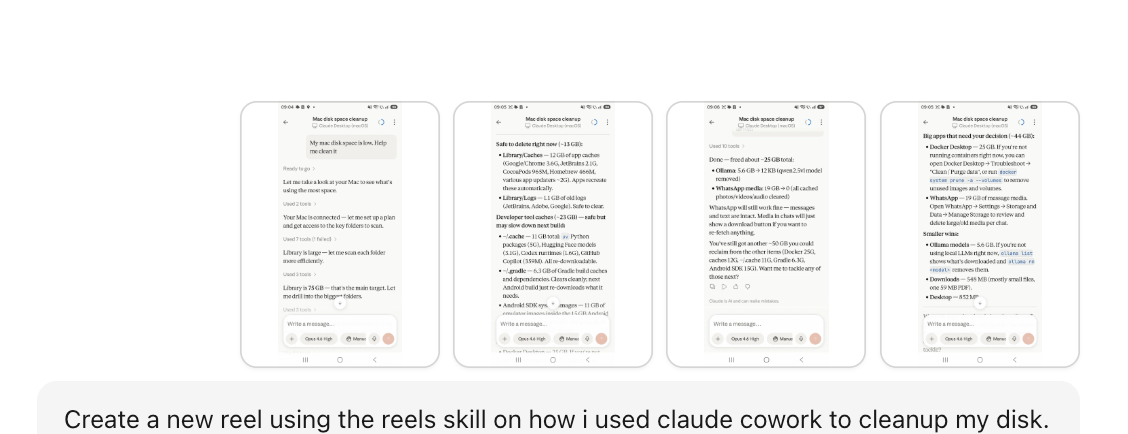
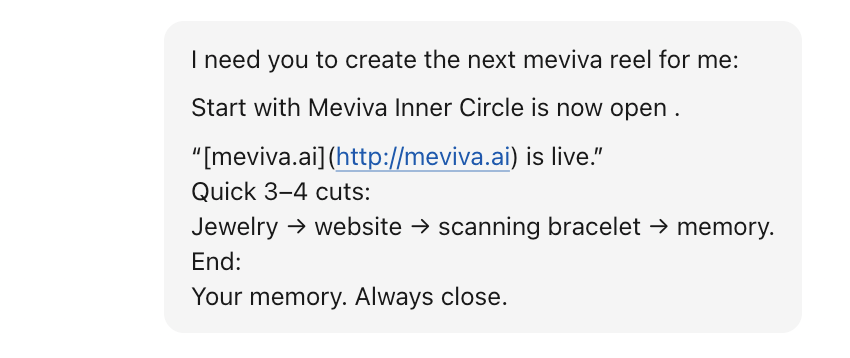
The system can be used with Claude Desktop or Mobile, so you can send a request on the go. It's also designed for efficient usage, so no big subscriptions here.
The same system can work from different source material and different orientations, depending on what you need.
 Click to view full size ↗
 Click to view full size ↗
Ask for the change you want. The system knows to update just that part, no need to redo everything.
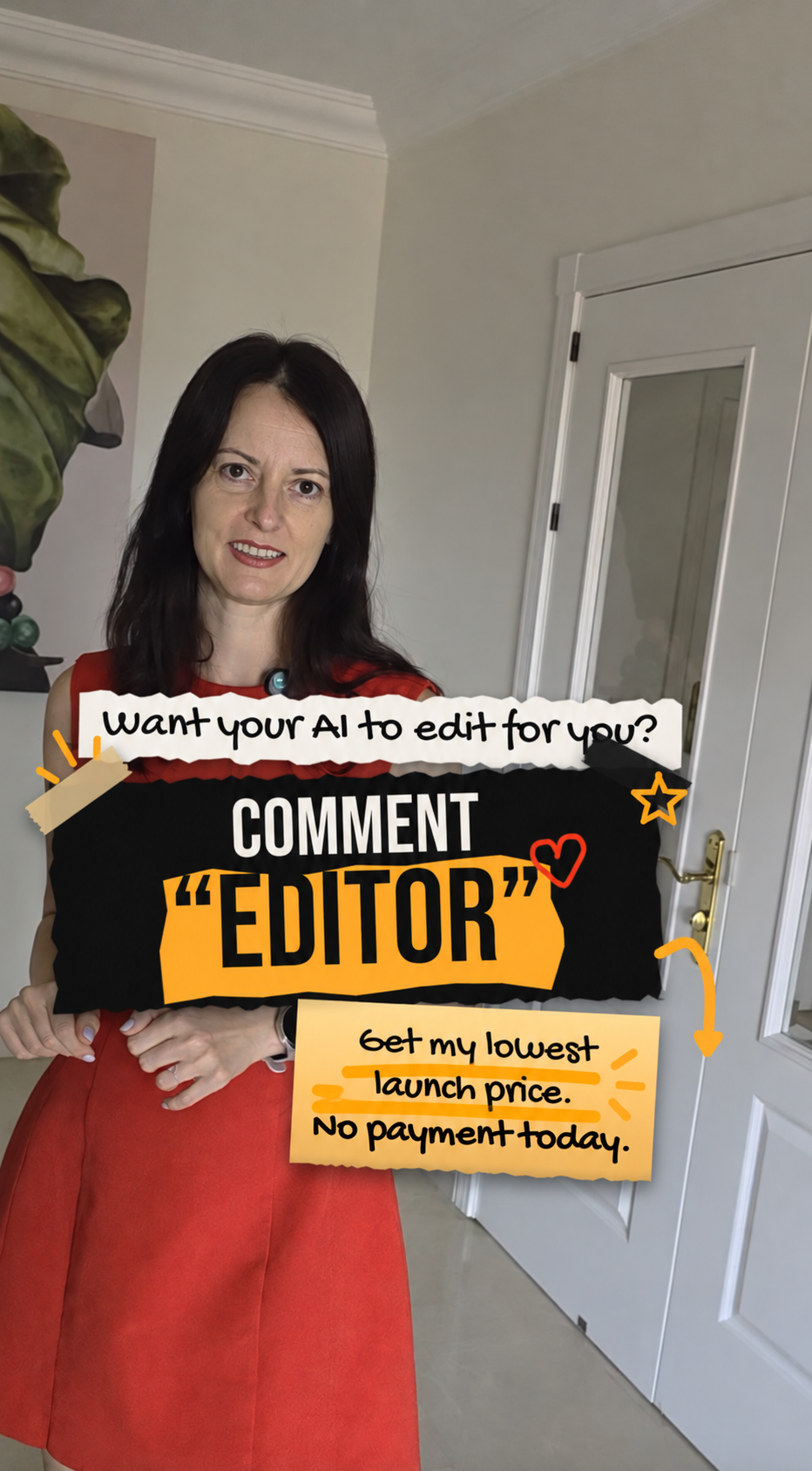
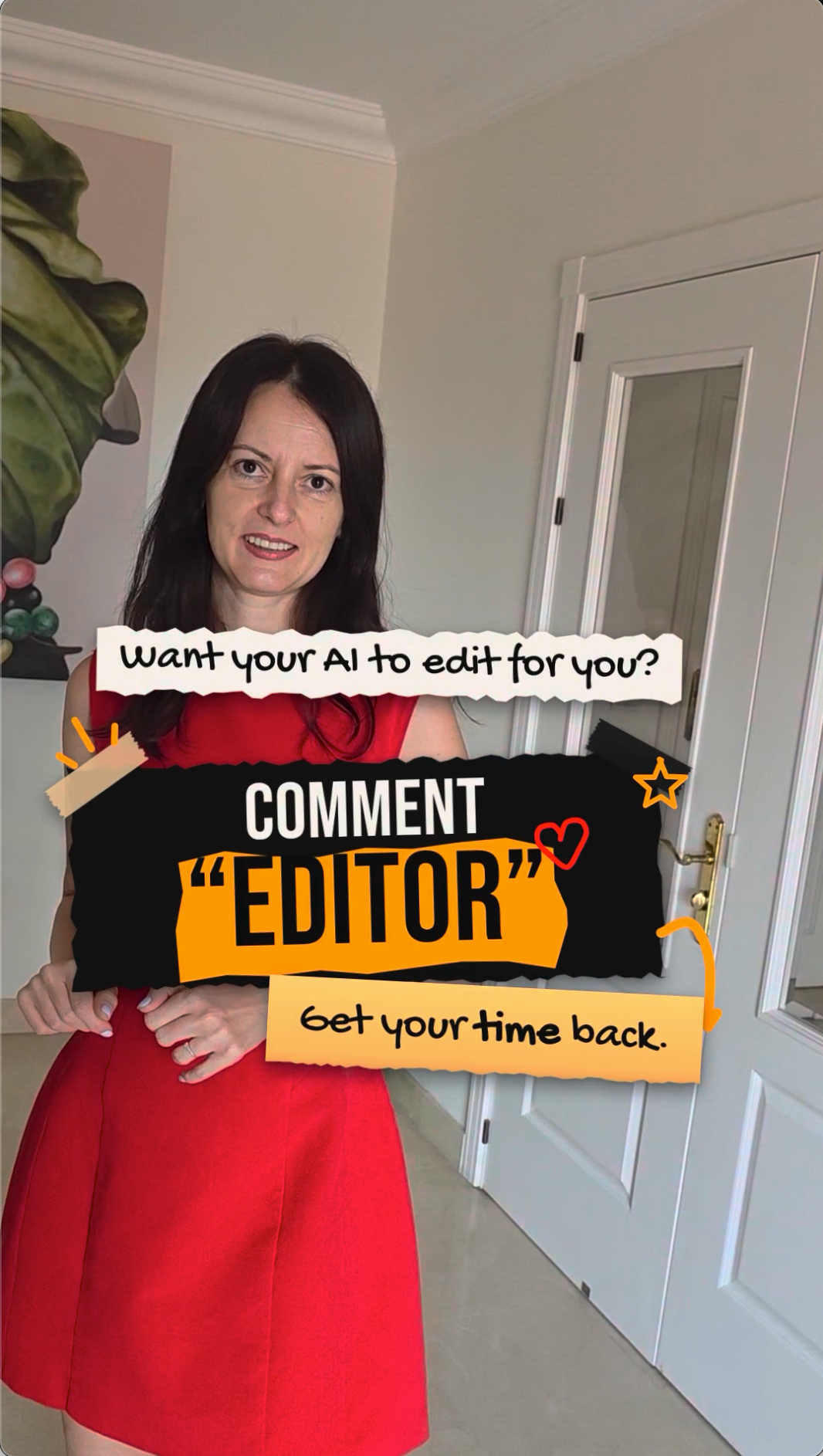
I’m packaging the exact system I built for myself into a one-time purchase. Join the Founding List now and you’ll get first access plus the lowest price available. I'll open soon for just 10 days, so stay tuned. Want to be notified about the launch?
ONE-TIME PURCHASE · FIRST ACCESS · LOWEST LAUNCH PRICE
By subscribing, you agree to receive AI Reel Editor launch news and related product updates. Unsubscribe at any time. Privacy policy.